

Monthly Archives: May 2026
-
 Posted: May 21, 2026Categories: CameraRead more
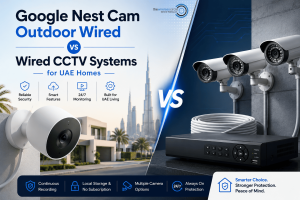
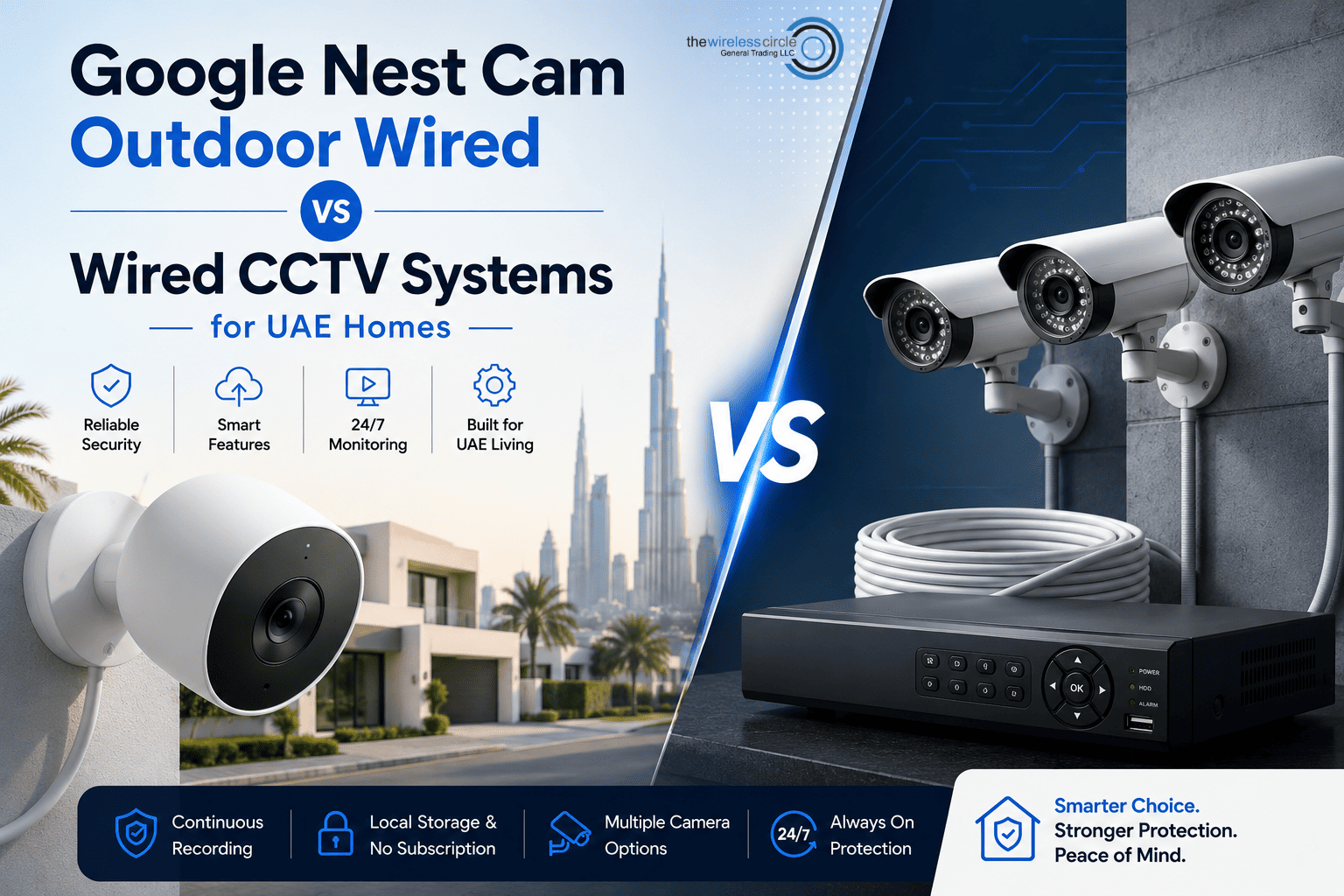
When it comes to protecting your home in the UAE, choosing the right security system has become more important than ever. Many homeowners are now comparing traditional wired CCTV systems with modern smart security cameras like the Google Nest Cam Outdoor Wired.
But which one is actually better for UAE homes?
If you are planning to upgrade your home security setup in Dubai, Abu Dhabi, or anywhere in the UAE, this guide will help you understand the key differences in a simple and practical way.
Traditional Wired CCTV Systems
Traditional CCTV systems have been around for years and are commonly used in villas, offices, warehouses, and apartment buildings. These systems usually include:
- Multiple wired cameras
- DVR or NVR recording systems
- Long cable installations
- Continuous local recording
One of the biggest advantages of wired CCTV systems is 24/7 recording. Since the footage is stored locally, users can access recordings without relying entirely on cloud storage.
However, traditional CCTV
-
 Posted: May 12, 2026Categories: CameraRead more
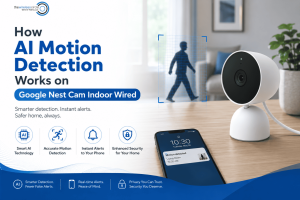
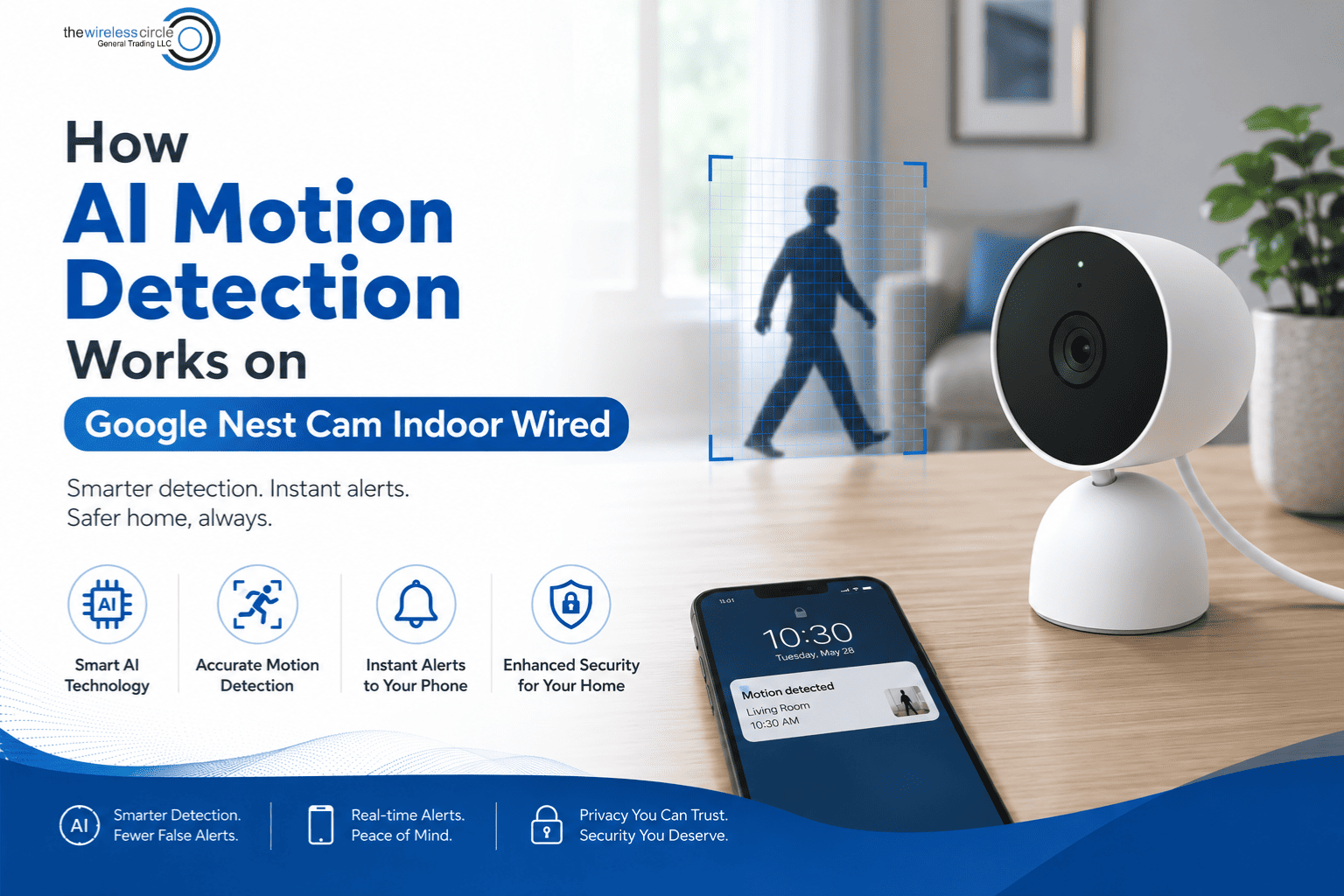
Smart home security has come a long way in recent years, and one of the biggest improvements is AI-powered motion detection. The Google Nest Cam Indoor Wired (3rd Gen) is a great example of how artificial intelligence can make home monitoring smarter, faster, and far more useful than traditional security cameras.
Instead of simply detecting “movement,” Google Nest Cam uses advanced AI technology to understand what is moving. This helps reduce false alerts while giving homeowners more accurate notifications and better peace of mind.
At The Wireless Circle, many customers ask how Google Nest Cam’s smart detection features actually work. In this guide, we’ll explain everything in a simple and easy-to-understand way.
What Is AI Motion Detection?
Traditional security cameras work by detecting changes in pixels or movement within the camera frame. The problem is that they can easily get triggered by:
- Shadows
- Lights turning on
- Curtains moving
- Pets
- Random environmental motion
AI motion detection
-
 Posted: May 04, 2026Categories: Electronics shopRead more
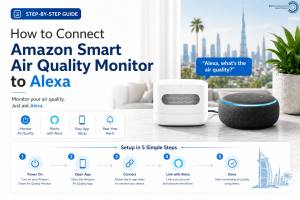
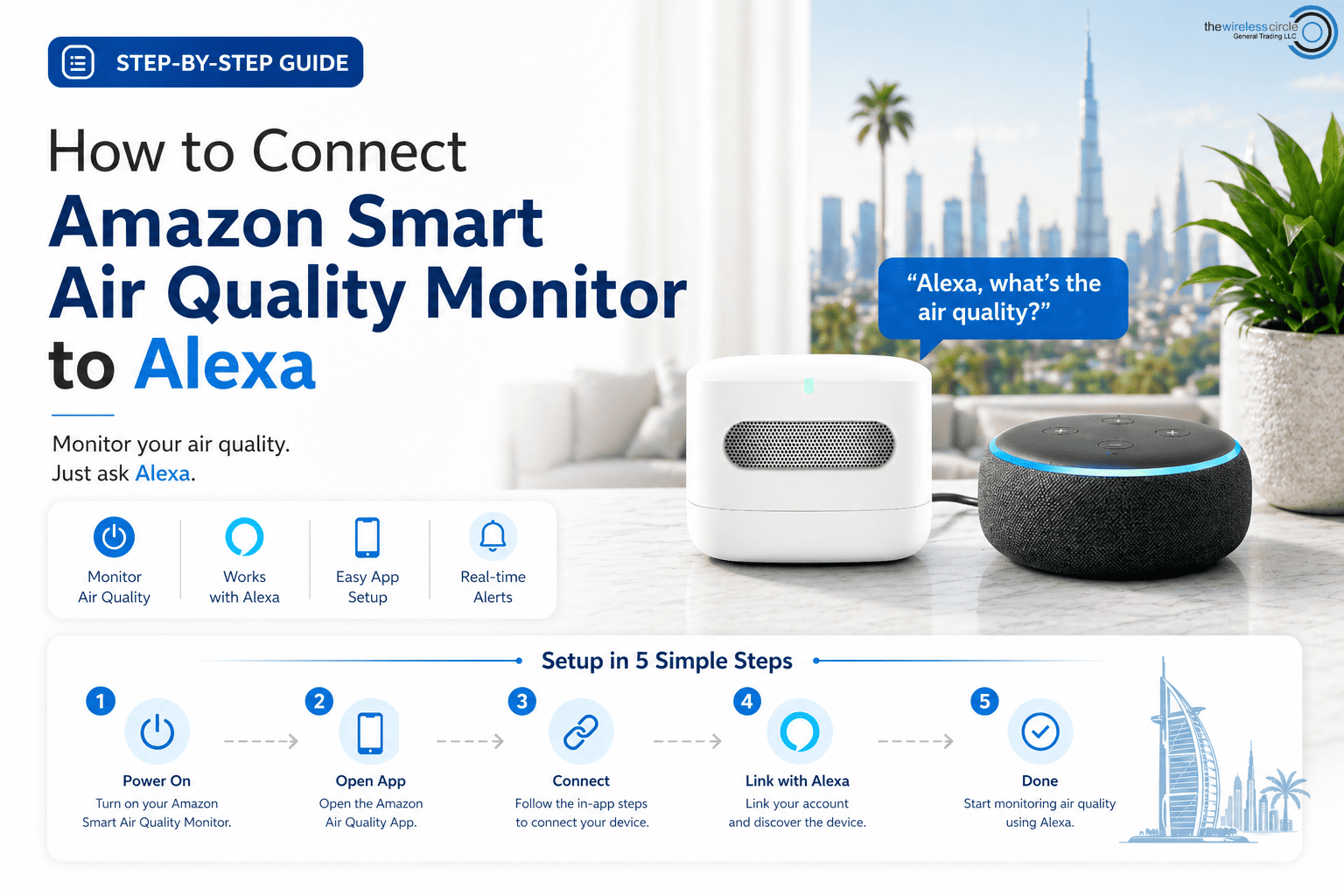
If you’ve just bought the Amazon Smart Air Quality Monitor, you’re probably excited to see how it works with Alexa. The good news? Setting it up is actually much easier than it looks—even if you’re not very technical.
In this guide, I’ll walk you through everything step-by-step, including Wi-Fi setup, Alexa connection, and first-time configuration so you can start monitoring your indoor air in minutes.
As one smart home user said, “Once I connected it to Alexa, I started getting air quality updates without even opening my phone.”
Let’s get you there too.
Step 1: Unbox and Check Your Device
Before anything else, unbox your Amazon Smart Air Quality Monitor and make sure you have:
- The device itself
- Power cable (if included or required)
- A stable Wi-Fi connection (2.4 GHz recommended)
- The Alexa app installed on your phone
Pro Tip: Make sure your Wi-Fi is working properly before starting setup. Many connection issues happen here.
Step 2: Download and Open the Alexa App
If you haven’t already,