

Monthly Archives: April 2026
-
 Posted: April 24, 2026Categories: Smoke & CO AlarmsRead more
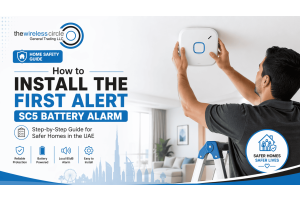
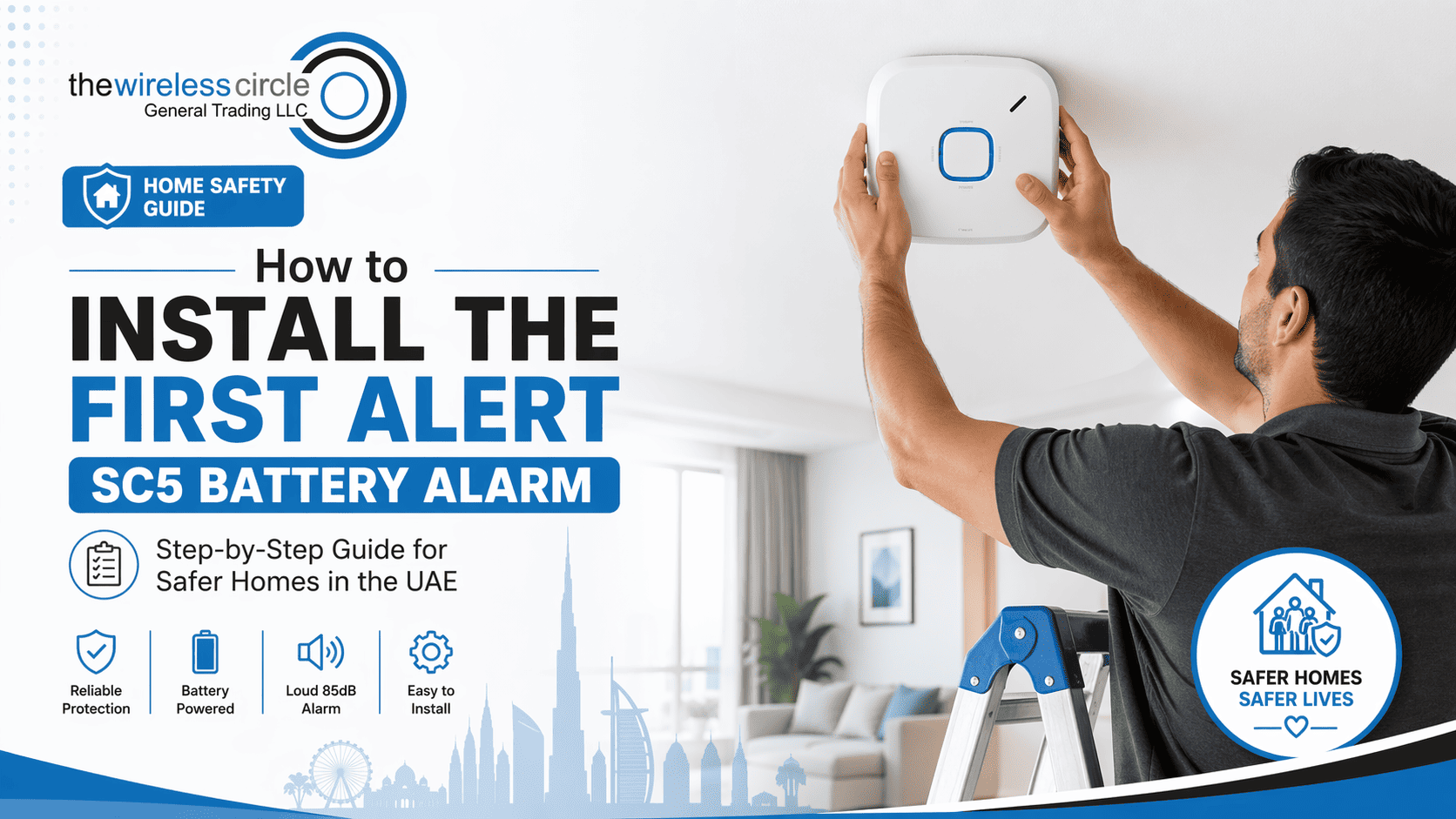
Installing a smart safety device in your home doesn’t have to be complicated. In fact, setting up the First Alert SC5 Battery Smart Smoke & Carbon Monoxide Alarm is designed to be quick, simple, and completely DIY-friendly. In this guide, we’ll walk you through everything step by step so you can get your home protected in minutes.
“Safety doesn’t happen by accident — it’s built step by step.”
What You’ll Need Before You Start
Before installation, make sure you have:
- Your First Alert SC5 alarm unit
- Included mounting bracket and screws
- A screwdriver (if drilling)
- A clean, flat surface for mounting
Step 1: Unbox and Check the Contents
Start by opening the box and checking that everything is included. You should find the alarm unit, mounting bracket, screws, and instruction manual. The SC5 comes with a built-in battery, so no wiring is required perfect for beginners.
Step 2: Choose the Right Location
Placement is crucial for proper detection. Install the alarm:
- On the ceiling or high on
-
 Posted: April 17, 2026Categories: Smart Video DoorbellRead more
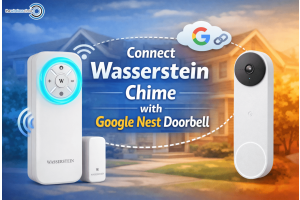
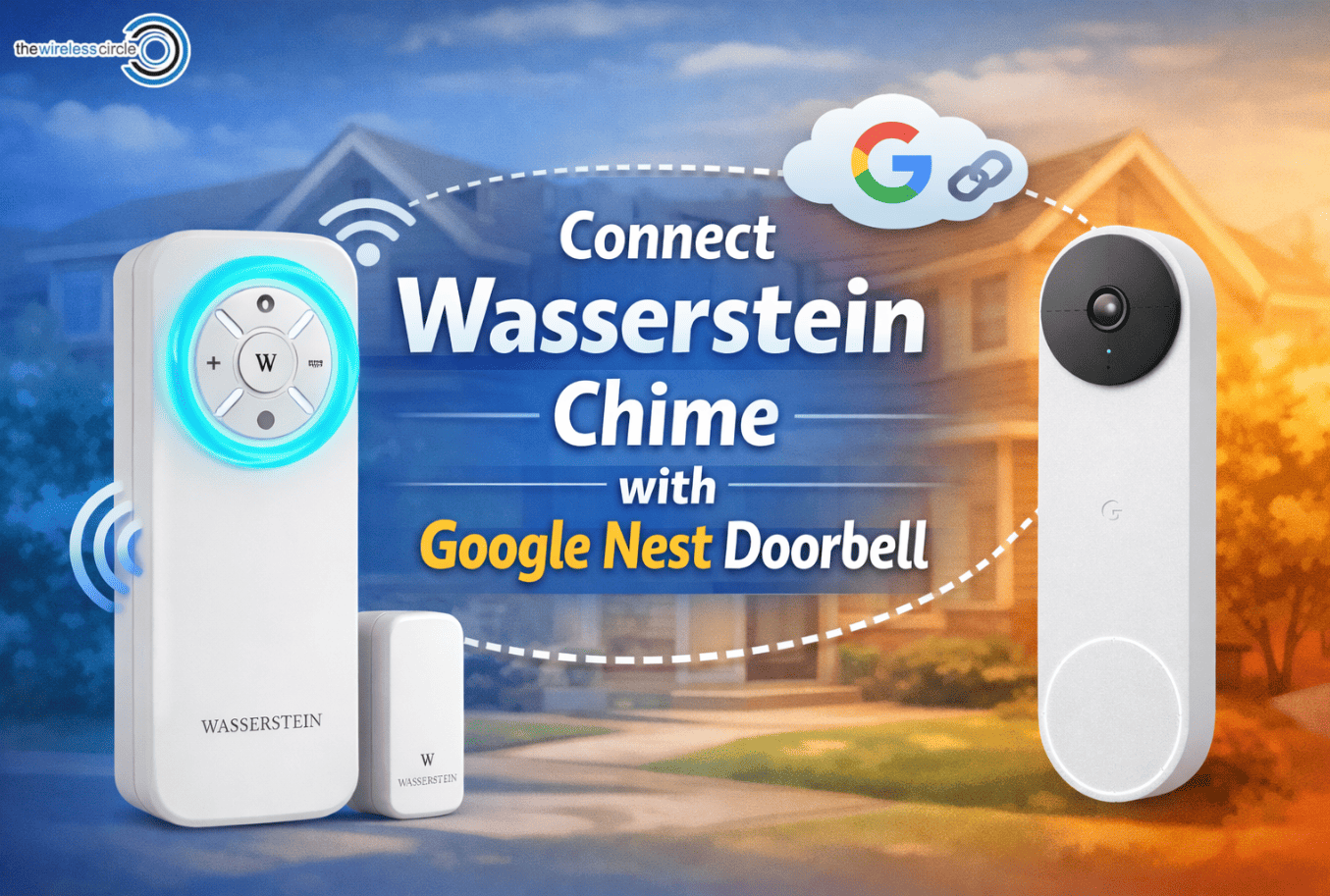
Smart doorbells have made home security and convenience much better. With devices like the Google Nest Doorbell, you can see and speak with visitors right from your phone. However, many homeowners still want to hear a physical chime inside the house when someone rings the doorbell. That’s where the Wasserstein Wireless Doorbell Chime comes in.
In this guide, we’ll walk you through how to connect a Wasserstein Wireless Doorbell Chime with your Google Nest Doorbell step by step. The process is simple and usually takes just a few minutes.
Why Use a Wasserstein Wireless Doorbell Chime?
The Wasserstein Wireless Doorbell Chime is designed to work as an additional indoor alert system for smart doorbells. Instead of relying only on your phone notifications, the chime rings inside your home whenever someone presses the doorbell.
As many smart home users say:
“A physical chime makes smart doorbells feel like a traditional doorbell again—only smarter.”
This accessory is especially useful for larger
-
 Posted: April 14, 2026Categories: Streaming DevicesRead more
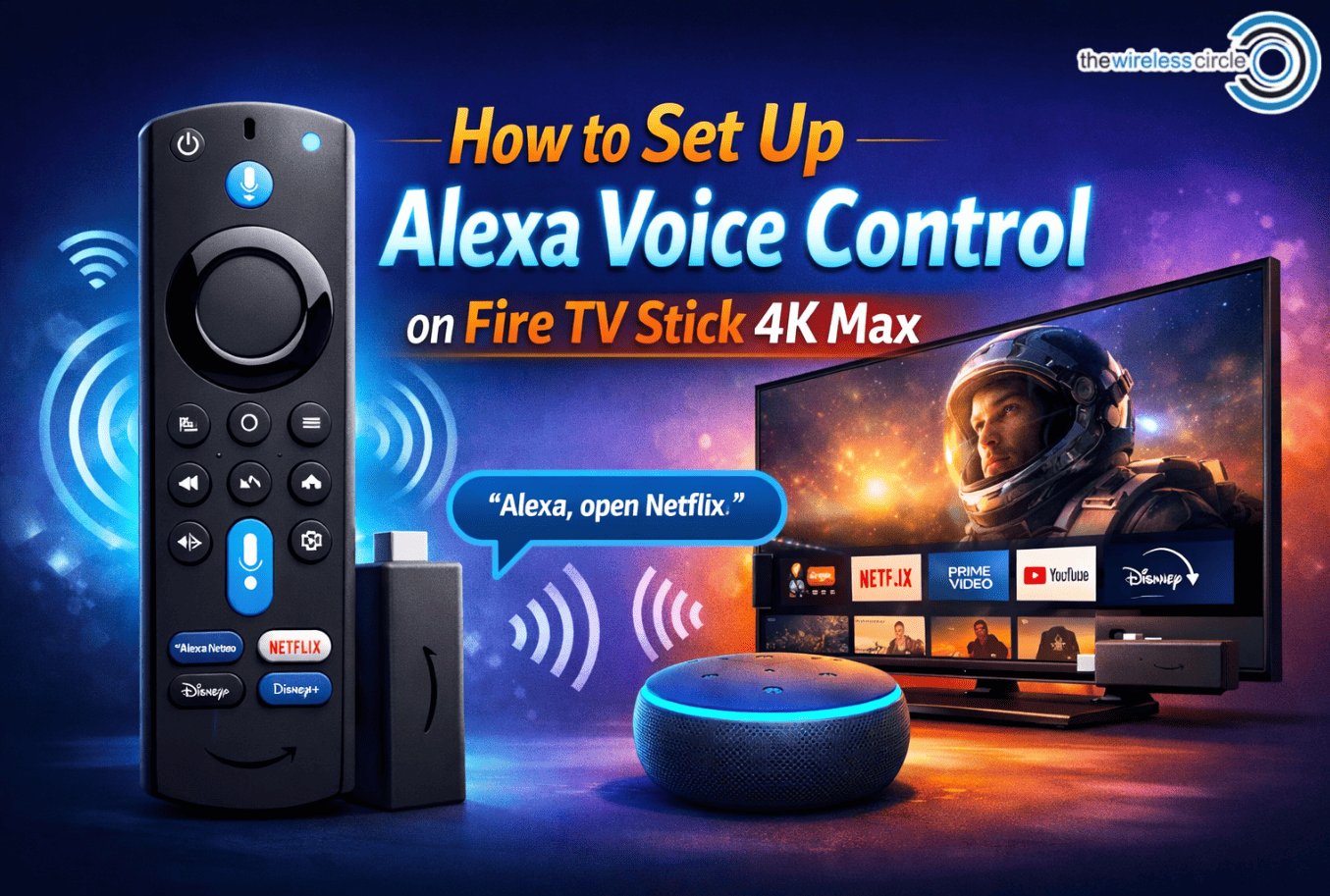
Amazon Fire TV Stick 4K Max is one of the most powerful streaming devices available today. It lets you stream movies, TV shows, and apps in stunning 4K quality. But one of the best features many users don’t fully use is Alexa voice control. With Alexa, you can simply speak into the remote to search for movies, open apps, control playback, and even manage your smart home devices.
In this guide, we’ll walk you through how to set up Alexa voice control on Fire TV Stick 4K Max step-by-step. Don’t worry—it's quick and beginner-friendly.
Why Use Alexa Voice Control?
Before we jump into the setup, it’s worth understanding why Alexa voice control is so useful.
Instead of typing with your remote, you can simply say things like:
- “Alexa, open Netflix.”
- “Alexa, find action movies.”
- “Alexa, pause.”
As Amazon explains, “Alexa makes it easier to control entertainment using just your voice.” And once you get used to it, you’ll probably never want to go back to manual searching.
Step 1: Plug in and
-
 Posted: April 10, 2026Categories: thermostatRead more
Living in the UAE means dealing with extreme summer temperatures, often reaching 40–50°C. Because of this, air conditioning runs almost constantly in many homes. A common question homeowners ask is: Can a smart thermostat actually handle the UAE climate?
In this real-world review, we’ll look at how the Amazon Smart Thermostat S6ED3R performs in hot environments like Dubai and across the UAE, including cooling efficiency, automation, and energy savings.
Designed for Smart Cooling Control
The Amazon Smart Thermostat S6ED3R is designed to make temperature control easier while helping homeowners reduce electricity costs. Unlike traditional thermostats, it connects to Wi-Fi and works seamlessly with Amazon Alexa, allowing you to control your home temperature using voice commands or your smartphone.
In a hot climate like the UAE, this smart control becomes especially useful. Instead of keeping the AC running all day, you can schedule cooling based on when you’re actually home.
As one HVAC technician
-
 Posted: April 03, 2026Categories: thermostatRead more
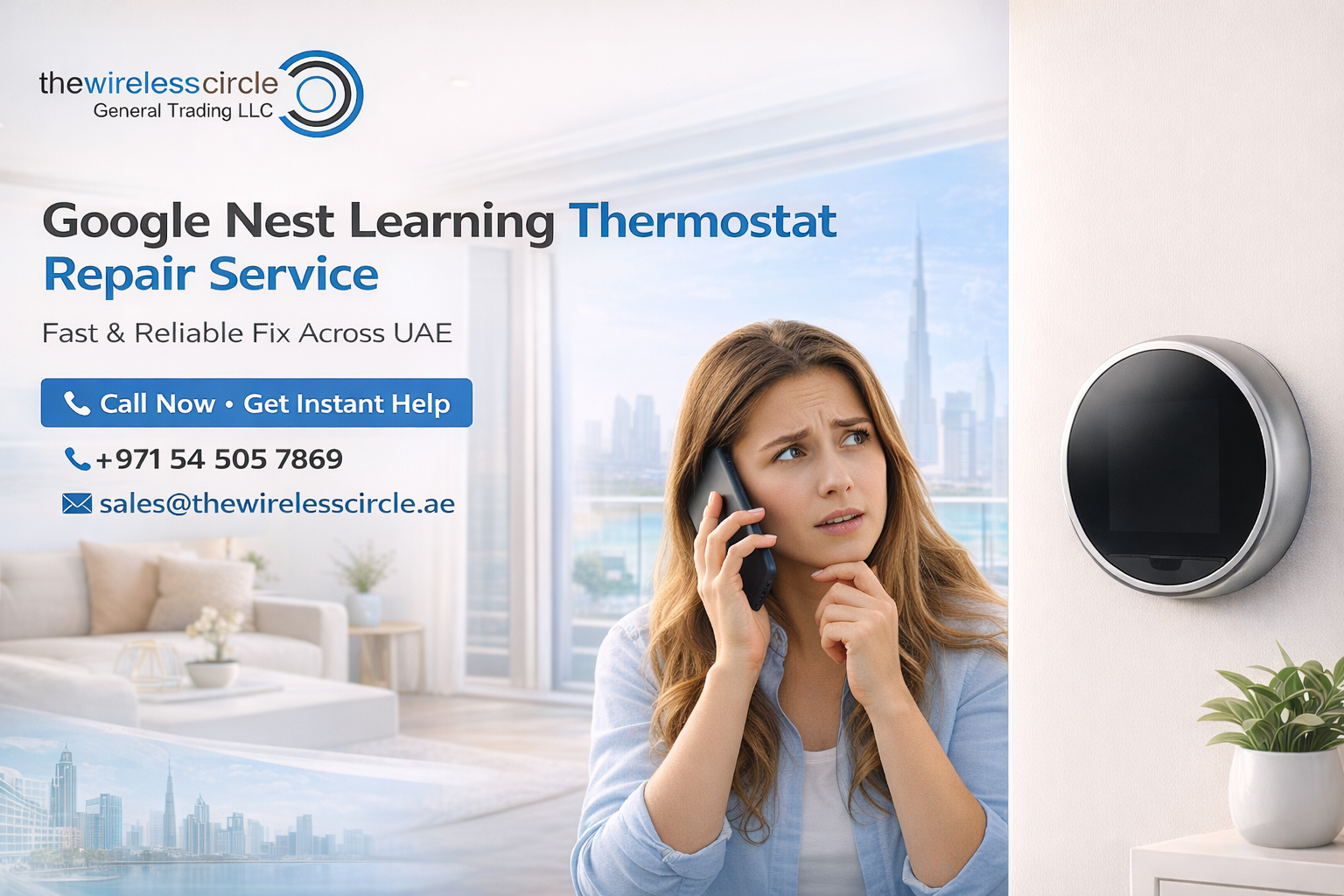
The Google Nest Learning Thermostat is one of the most advanced smart thermostats available today. It automatically learns your temperature preferences, saves energy, and allows you to control your home’s heating and cooling system from your phone.
However, like any smart device, sometimes the thermostat may face issues such as power problems, WiFi connectivity errors, wiring faults, or software glitches. If your Nest thermostat is not working properly, there’s no need to worry.
At The Wireless Circle, we provide professional Google Nest Learning Thermostat repair services to help you get your device working perfectly again.
Common Google Nest Thermostat Problems We Fix
Our technicians have experience resolving a wide range of Nest thermostat issues. Some of the most common problems we repair include:
- Nest thermostat not turning on
- Low battery or charging problems
- WiFi connectivity issues
- Thermostat showing error codes
- Incorrect temperature readings
- Heating or cooling system not responding